
MAMAYtrading terminal

Risk: how much you can lose in one trade

7 min read · Risk per trade, the stop, position size. A formula you can do in your head.

Level:

Short version for experts: tables, lists and screenshots only.

Words in this lesson (7)
Stop — A price chosen in advance at which the trade is closed at a loss, so the loss doesn't grow bigger.
Leverage — Money borrowed from the exchange. With 10x leverage, your $100 opens a $1,000 position: both profit and loss are ten times bigger.
Margin — Your own money that the exchange locks as collateral for a leveraged position.
Liquidation — The exchange force-closes a position when the loss has eaten all the collateral. The collateral is lost.
Volume — How much money or how many units changed hands over a period. A move on high volume is more reliable than one on low volume.
Level — A price where the market has already turned before. Support is below the price, resistance is above it.
Position — An open trade: what you have bought or sold and haven't closed yet.

Where a trade begins

Not with the question "how much will I make", but with the question "how much will I lose if I'm wrong".

Three concepts:

  • Stop — the price at which you admit the mistake and close the trade.
  • Risk per trade — the amount you lose if the stop is hit.
  • Position size — how much to buy so that the loss at the stop equals the risk you chose.

The one percent rule

Risk no more than 1% of the account in a single trade (0.5% for a beginner). Then even ten losing trades in a row will take about 10% — unpleasant, but the account survives and you can keep going.

The formula

Position size = risk in money ÷ distance to the stop in percent

Example. Account $2,000. A 1% risk is $20. Entry at $50, stop at $48.50 — a 3% distance.

$20 ÷ 0.03 = $667 — that's how much we buy. If the stop is hit, the loss will be $20.

Note: the farther the stop, the smaller the position. The risk in money stays the same.

Risk to reward

If the stop is 3% and the target is 9%, the ratio is 1 to 3. With that ratio you can be wrong in two trades out of three and still not lose. Trades where the target is closer than the stop need a very high hit rate — beginners are better off skipping them.

How MAMAY does it

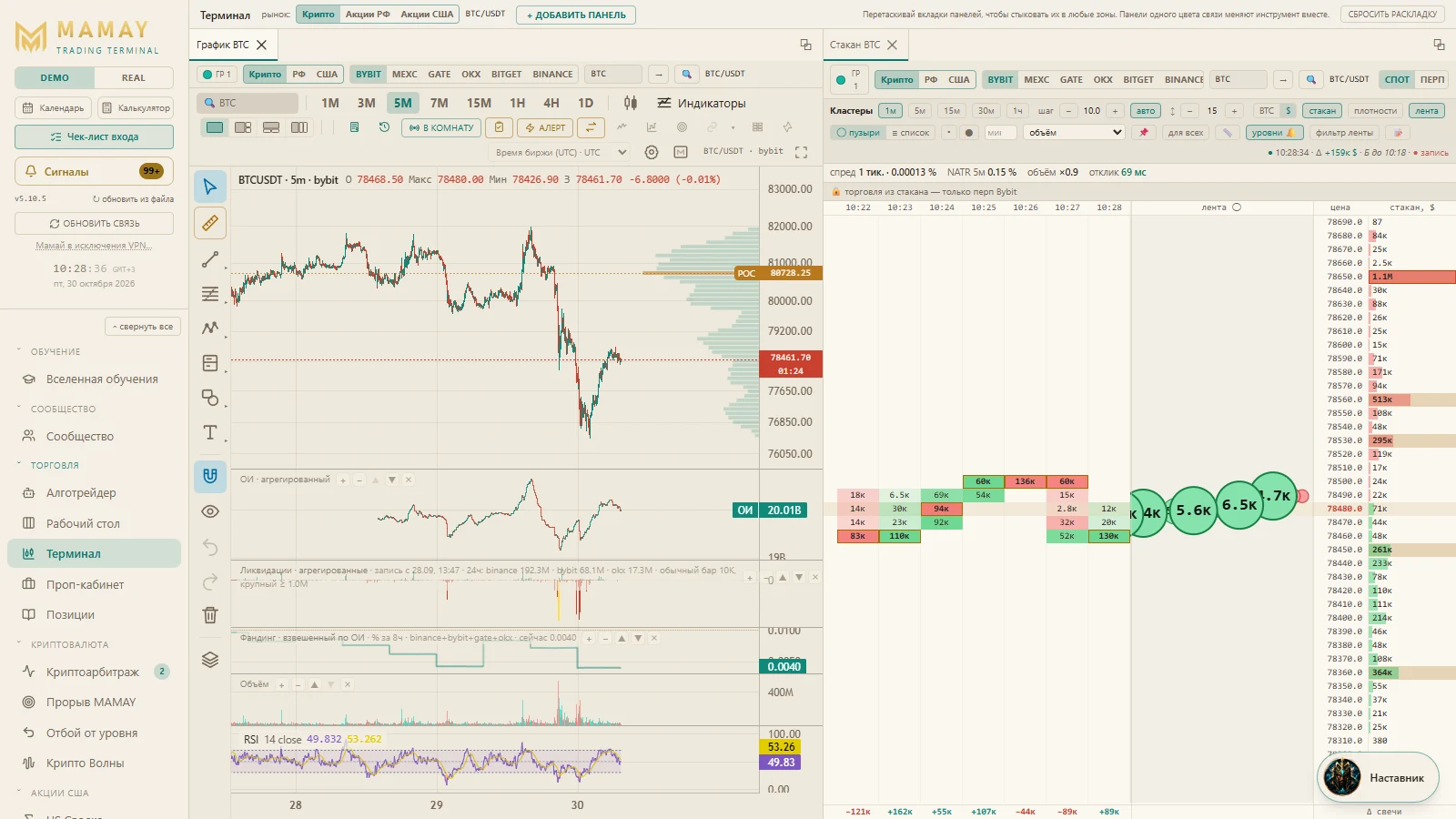
On the "Terminal" tab, when you accept a scenario (more on that in the "Crypto" track), the trading panel fills in the entry, stop and target by itself and calculates the size for the risk you set. All that's left is to check the numbers and click the side button.
Leverage doesn't increase profit "for free". It brings the liquidation price closer — the level where the exchange force-closes the position. With 10x leverage, a move of about 10% against you is enough to lose all the margin of that position.

↗ Open "Terminal" in MAMAY

This is how it looks in MAMAY: “Terminal”

Learn where you trade

These lessons live inside the MAMAY terminal. There they come with a mentor powered by your AI that explains the screen you have open right now, reviews of your trades, and everything hidden on the site: screener rules, settings and live examples. Learning and manual trading are free.

Windows 10 and 11 · exchange keys stay on your computer · how the mentor works