Does MAMAY guarantee income?
No. MAMAY is a tool for analysis and automation, not investment advice and not a guarantee of profit. Trading carries the risk of losing capital. That's exactly why the terminal starts in DEMO mode and shows profit after all costs.
What's the difference between DEMO and REAL?
In DEMO the terminal trades a DEMO account against the real order book and real prices; your money isn't used. In REAL trades are sent to your exchange accounts: real orders are enabled by a separate switch, with a notional cap and an exchange readiness check.
Which markets and exchanges are supported?
Crypto: Binance, Bybit, OKX, Gate, Bitget, MEXC. US stocks: screeners and charts, news from X, Yahoo Finance and Finviz. Moscow Exchange: TQBR stocks with real-time data from Alor. Features differ between markets: for example, arbitrage and cross-exchange transfers are part of the crypto module.
How do transfers between exchanges work?
You connect your exchange API keys, and the terminal moves coins or USDT/USDC from exchange to exchange: it picks the network, matches the address against the whitelist, checks the minimum and the fee, and waits for the deposit. Withdrawals go only to whitelisted addresses. Automated transfers around a ring of exchanges for arbitrage are currently being tested on live accounts.
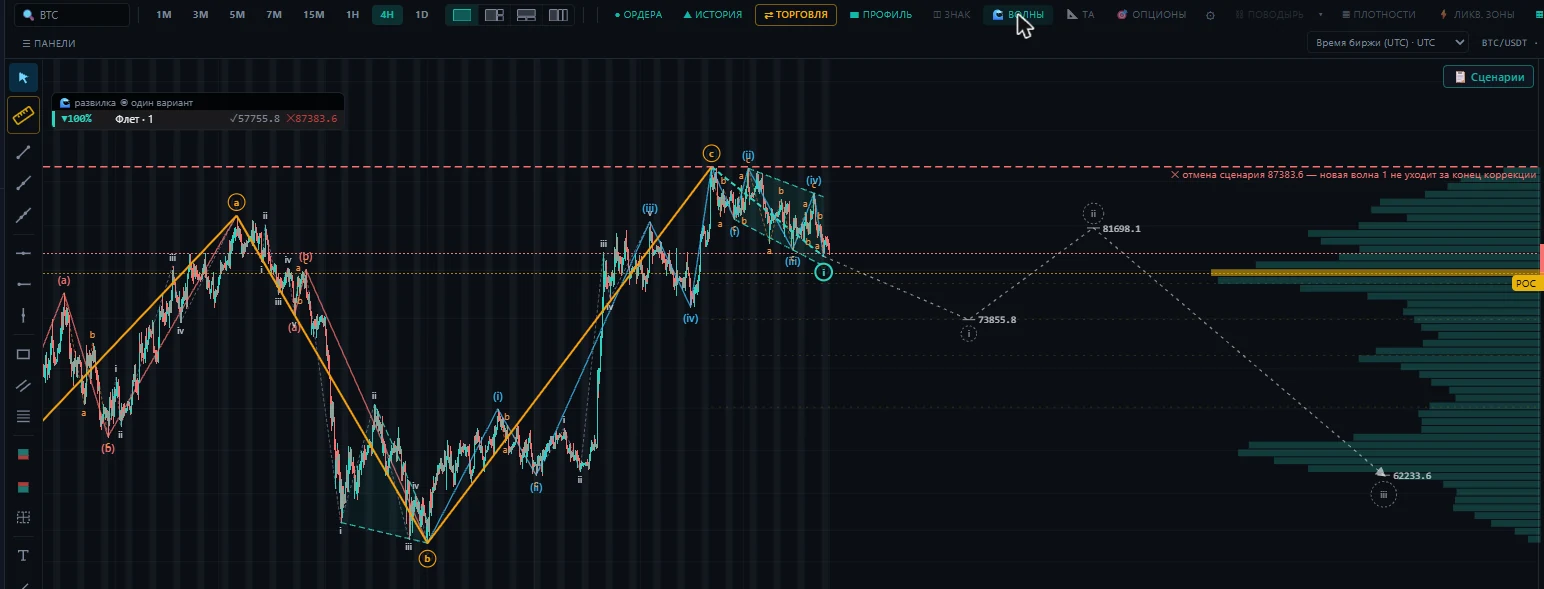
Which timeframes does the chart have?
1, 3, 5, 7 and 15 minutes, 1 hour, 4 hours and 1 day. Exchanges don't offer the rare 3- and 7-minute timeframes — MAMAY builds them from one-minute candles starting at the beginning of the day, the way big terminals do. The free part includes 1 hour, 4 hours and 1 day; lower timeframes are in Pro.
Can I customize the interface?
Yes. Every terminal panel is an independent block: you can move, resize and dock them and save your layouts.
Where are my API keys stored?
The terminal runs locally on your computer, and keys are never sent to the cloud. For most features, read-only keys are enough.
Which systems does it run on?
The current version is built for Windows 10 and 11 and opens in a browser or as a separate app window. A cloud version and other platforms are planned.
How much does it cost?
The terminal, manual trading, DEMO accounts and learning are free. Real-time arbitrage, screeners, the Prop Hub, cross-exchange transfers and the community come with the Pro subscription. Pro costs $49 a month; early access members pay $29 a month for as long as their subscription stays active. The Developer plan with your own AI agent is $99 a month and opens with the first version of the agent. Early access members get 14 days of Pro free. Annual billing gives you two months free: Pro $490, Developer $990 a year.
How is the free arbitrage showcase different from Pro?
In the free part the list of opportunities updates every 15 minutes. That's enough to see what kinds of opportunities exist and how much net profit they hold, but you can't trade from it: an opportunity lives for seconds or minutes. In Pro the list updates in real time, and clicking a row opens a card recalculated for your size, with an entry button.
How do I get Pro?
The terminal's "Settings" show your computer's code. You send it to us, receive a subscription key and paste it into the same "Settings" — Pro unlocks immediately. The key is verified on your computer, no internet needed. Exchange keys are never needed for the subscription.
Which AI can I connect, and where does my data go?
The one you already use: Claude, ChatGPT, Gemini, DeepSeek, Grok, Mistral, OpenRouter, any compatible service or a model on your computer (Ollama, LM Studio). The mentor already works through it, and a trained agent can be connected as a profile: MAMAY gives you a ready prompt, the agent answers, and you paste the answer into the mentor. MAMAY sends nothing to us. A cloud AI receives your questions — that's how all cloud services work; with a local model your data never leaves your computer. Screener tuning by the agent is in development and will be part of the Developer plan ($99 a month).
I trade a prop account. How does MAMAY help?
The Prop Hub keeps your firm's rules in front of you: the daily limit and max drawdown are counted by the firm's trading day, the phase target and fees to the cent, just like in the firm's report. Trades, positions and balance arrive from the firm's platform by themselves: the browser extension only reads the page, and MAMAY never asks for or stores the platform password. If the firm runs a promotion with special terms, you can set it up as your own program with phases. One switch makes the screeners show only the instruments available on your account.
What is the "Community" and when will it launch?
It's chat, voice rooms, screen sharing and a shared chart inside MAMAY: the host marks up their chart, and the markup appears for every member in their own terminal. Leaders will be able to run their own space with private rooms. Launch is from December 2026, included in Pro at no extra cost.
What data of mine does MAMAY keep?
No personal data: the terminal runs on your computer, and your exchange keys, trades and balance stay with you. The subscription only needs your computer's code — no name, no phone number. MAMAY never asks for prop firm platform passwords. In the community you'll sign in with your subscription key, no phone number or email. If you submit a request on the site, we use your contact only to reply.
How does MAMAY protect me from emotional trades?
Mamay tracks your form from your manual trades: losses in a row, loss for the day, the weekly risk budget, trade size compared to your usual. There are four levels — from "Optimal" to "Critical". In soft mode it warns you on the entry order; in hard mode it blocks new entries for the chosen time in "Critical", and in "Risk" it won't let through an entry larger than usual. You choose the thresholds and the mode yourself in "Settings"; closing positions is always allowed.
Is it hard to set up cross-exchange arbitrage?
You don't have to figure it out alone. The mentor powered by your AI sees the setup screen and guides you step by step: which permissions to give the key, where the whitelist is on the exchange, what the exchange's response means. The wizard finds whitelist addresses for every network on its own, the exchange check shows key permissions, and diagnostics show network minimums and fees. Exchange keys and wallet addresses are never passed to the AI.
I'm a beginner. Where do I start?
With DEMO mode and the "Learning Universe": 60+ lessons on three levels take you from installation to your first trade on a DEMO account. The mentor in the terminal works through your AI, answers questions and explains the screen you're looking at right now. The mentor teaches you to use the tool; it doesn't hand out signals.