Long, short and three types of orders
Short version for experts: tables, lists and screenshots only.
Words in this lesson (9)
Two directions
Long — buying in the hope of a rise. Bought at 100, sold at 110 — made 10.
Short — selling in the hope of a fall. This is less familiar, so step by step:
- You borrow one coin from the exchange and sell it right away at 100.
- The price falls to 90.
- You buy the coin at 90 and return it to the exchange.
- The difference of 10 is yours.
If instead of falling the price rose to 110, you'll have to buy it back higher and you'll lose 10. In MAMAY all of this is done with one "Short" button; the exchange borrows and returns the coin itself.
An order on the exchange
| Order | What it tells the exchange | Upside | Downside |
|---|---|---|---|
| Market | "buy right now at the best available price" | fills immediately | the price may be a little worse than what you saw |
| Limit | "buy at 100 or cheaper" | you get exactly your price | it may not fill if the price never gets there |
| Stop | "if the price reaches 95 — sell" | limits the loss | in a sharp move it fills a little worse |
The stop is a beginner's most important order
A stop is insurance. You decide in advance: "if the price goes here, I was wrong — I'm out."
Without a stop you think: "I'll wait, it'll come back." Sometimes it does. And one time it won't — and it will take everything you earned over months.
MAMAY has a real example: on a DEMO account, three trades without a stop lost $242 in one day. It's broken down in the "Analysis" track, in the lesson "Two liquidations and revenge trading".
Target
A target (also called a "take-profit") is an order that closes the trade with a profit at a price chosen in advance. The stop and the target are set together: before you even enter, you know how much you'll lose in the bad case and how much you'll get in the good one.
How it looks in MAMAY
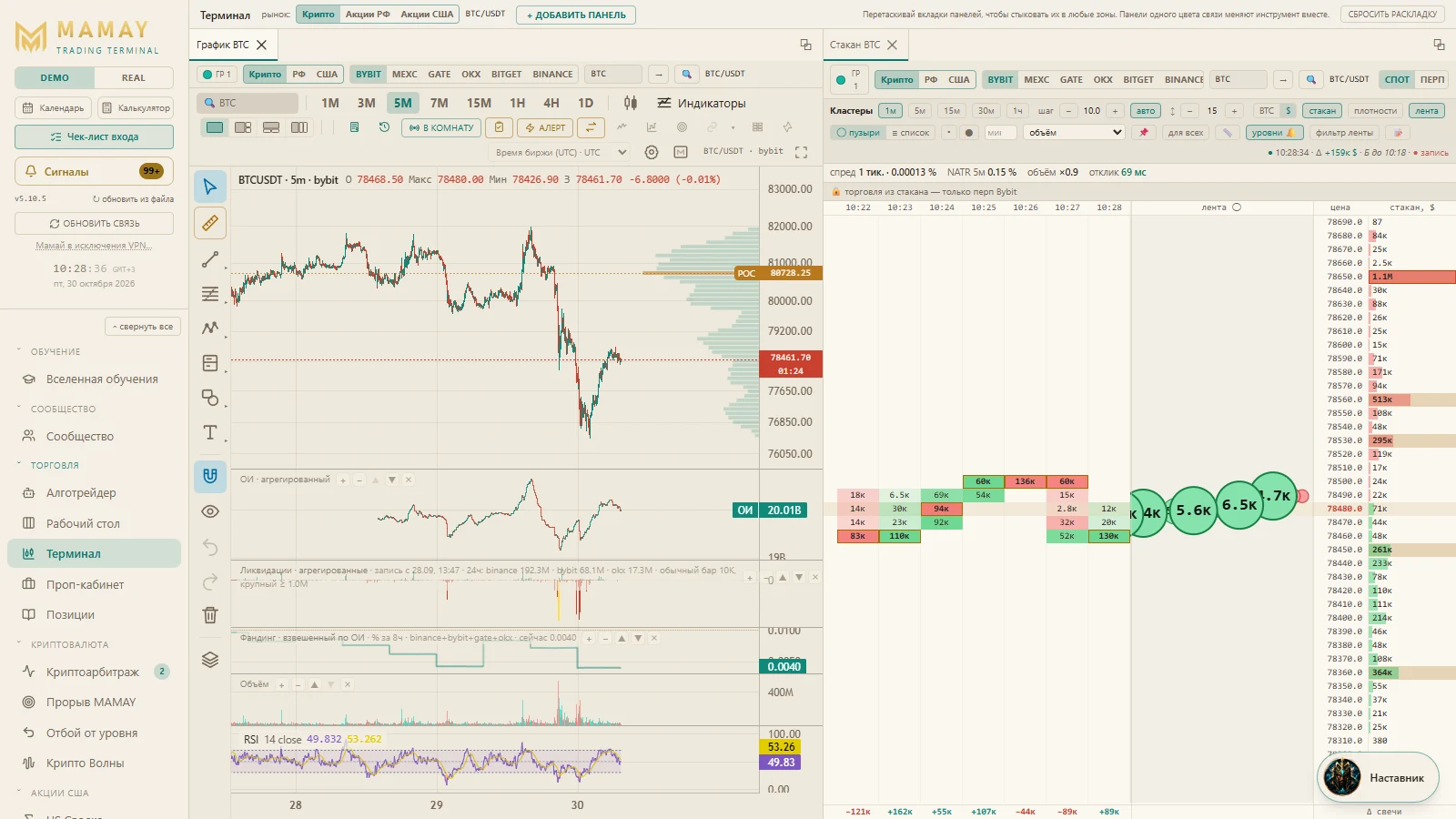
On the "Terminal" tab, on the right, there's the trading panel:
- choose the order type;
- enter the entry price, the stop and the target;
- enter the size — how much to buy;
- click Long or Short.
In DEMO you can click boldly — the trade will happen in DEMO.
↗ Open "Terminal" in MAMAY ▶ Next: leverage and liquidation