
AI for trading: a mentor inside the terminal
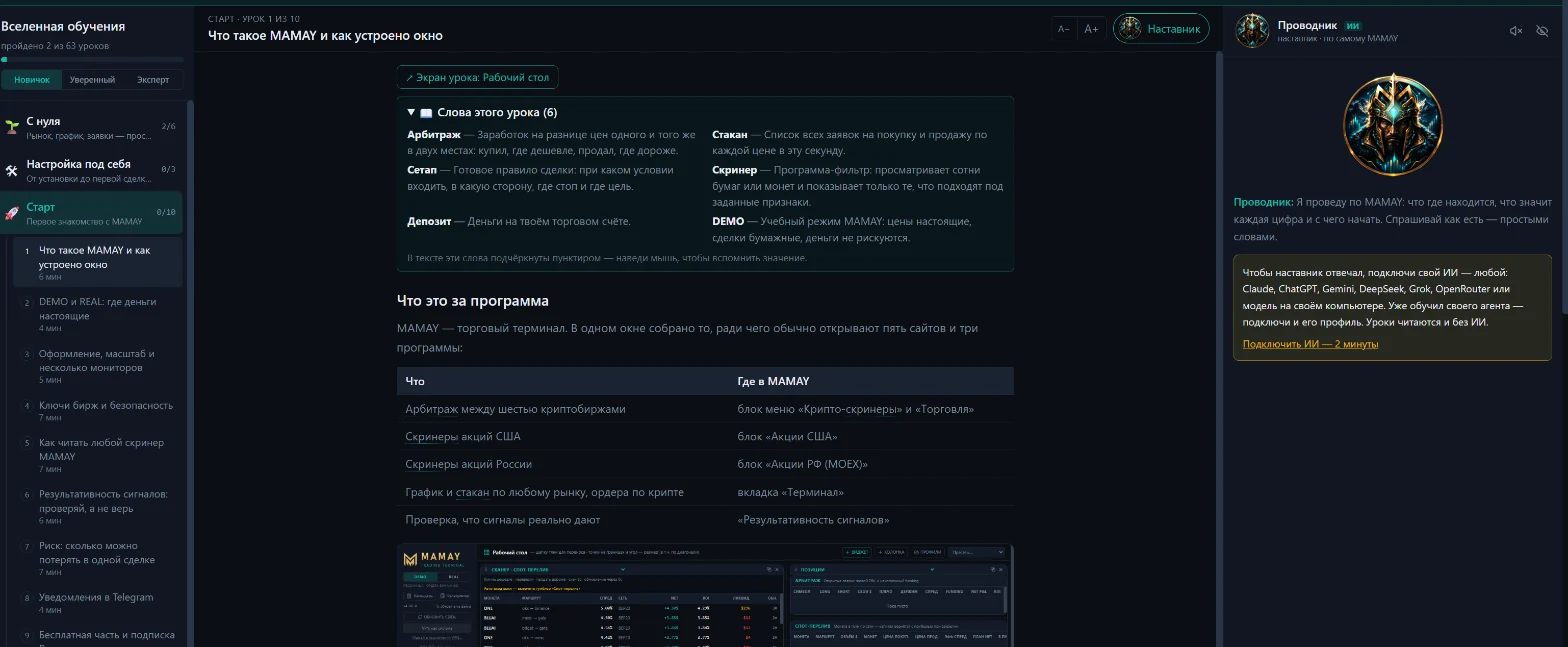
AI in MAMAY doesn't trade for you. It explains what you're looking at on screen, reviews your trades and helps tune screeners to your style.
Which AI you can connect
The one you already use: Claude, ChatGPT, Gemini, DeepSeek, Grok, Mistral, OpenRouter, any compatible service, or a model on your computer through Ollama and LM Studio. A local model works with no key and no internet.
What the mentor does
- Explains the screen you have open right now.
- Walks you through setting up exchanges, keys and whitelists.
- Reviews chart screenshots and your trades.
- Takes questions by text or by voice.
Your trained agent
You can't connect your own GPT, a Claude project or a Gemini Gem directly: these services don't allow outside access. So MAMAY gives you a ready prompt. You ask your agent, then paste the answer into the mentor as your trader profile. The profile is stored only on your computer.
Tuning screener settings
An AI agent translates your trading style into screener settings, and MAMAY checks each suggestion on trades the agent hasn't seen. There are three possible results: confirmed, not confirmed, or too few trades. You decide: what you accept is logged and can be reverted with one button. This feature is part of Pro.
What goes to the AI
A cloud service receives your questions, as all cloud AI does. Exchange keys and wallet addresses aren't included in the request. With a model on your computer, the data never leaves it.
FAQ
Can the AI trade for me?
No. The agent only suggests. An order goes out after you confirm it in the terminal window.
Do I pay for the AI separately?
You pay for the cloud service yourself, with your own key. A model on your computer needs no key. The mentor and lessons in MAMAY are free.
Does the AI give investment advice?
No. The mentor explains and reviews, but the decision is always yours. Trading carries the risk of losing capital.